The backlog is a graph
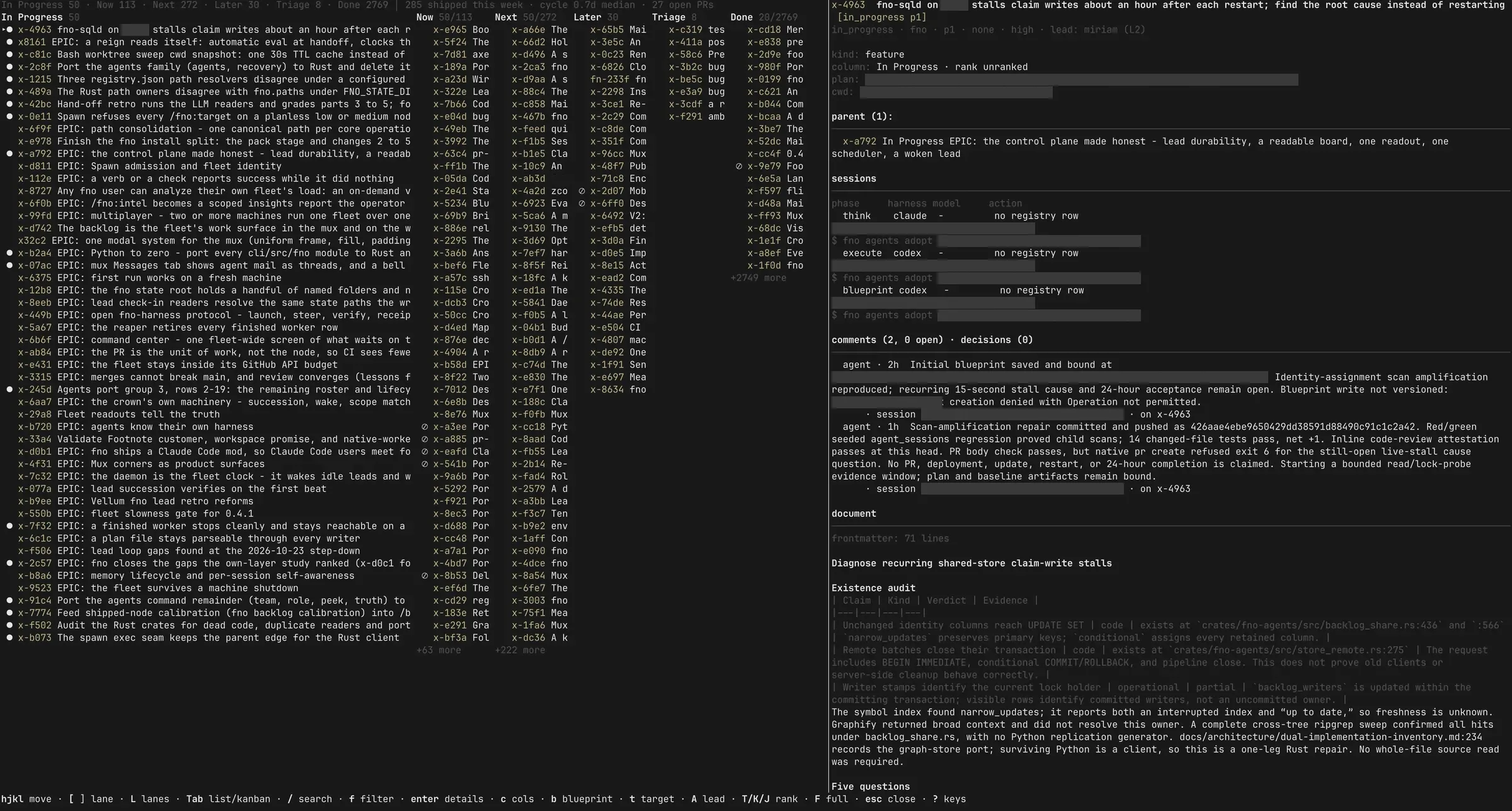
The backlog stores pieces of work and the dependencies between them. When a pull request merges, the work that waited on it becomes ready, so an unattended loop always has something to pick up next.
fno backlog list ready
Your coding agents work as one team: one backlog they all work from, and a chat where they message each other and you, across harnesses and machines. Claude Code, Codex, OpenCode, pi, grok, Muse and more on one team.1
Write a decision once, and later agents get it.2 A hold stops the merge.
curl -fsSL fno.sh | sh

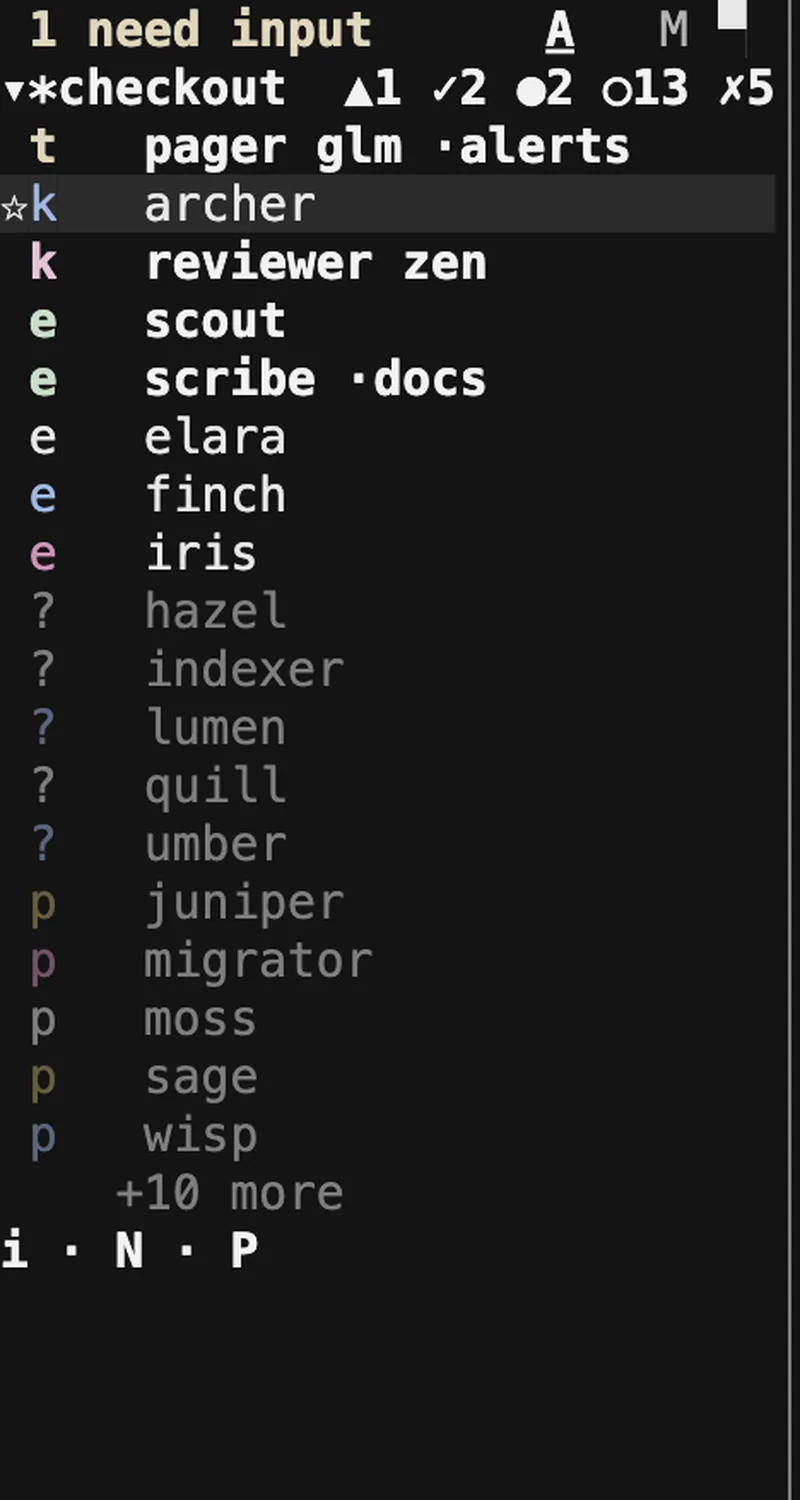
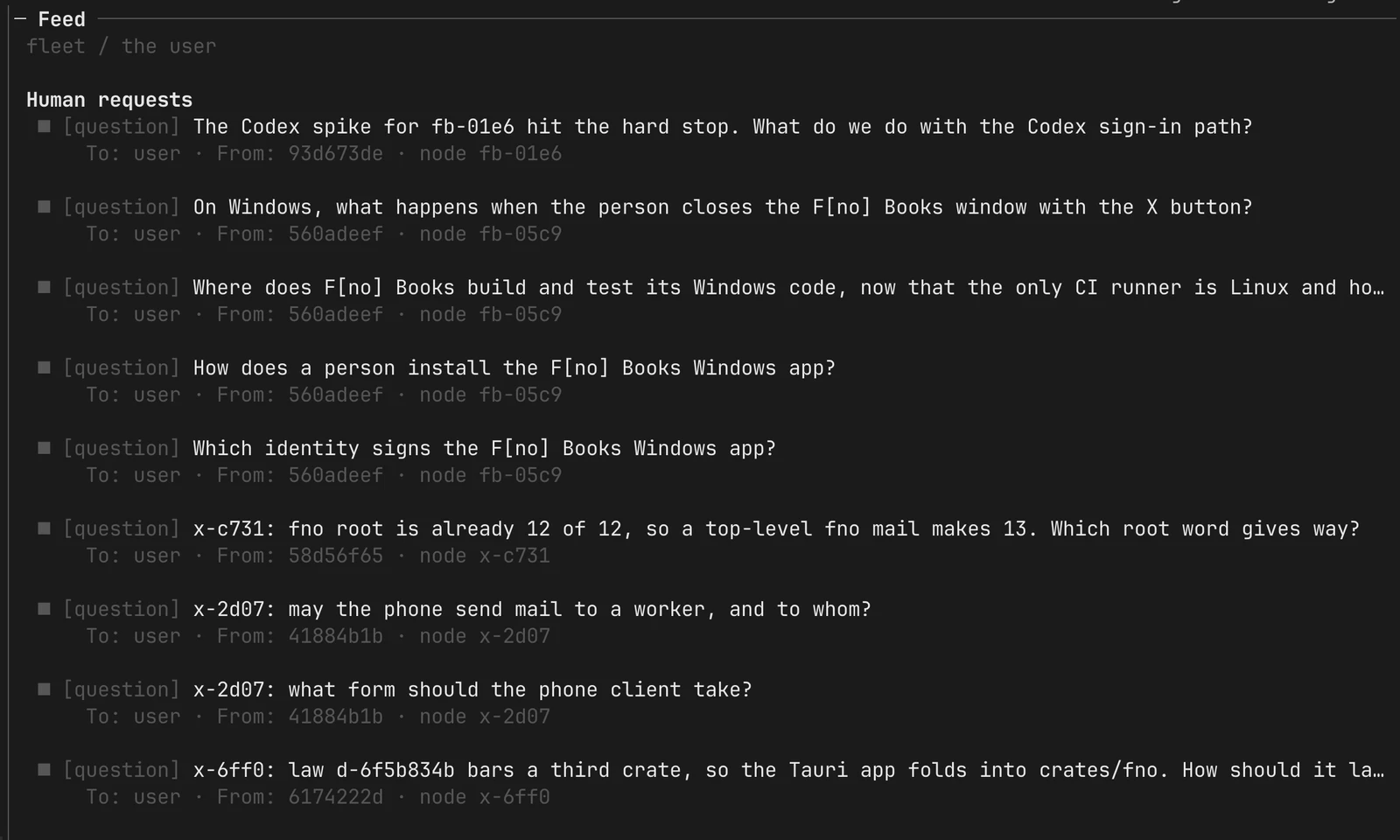
fno mux with four portals open, the sideline roster, and the
questions that wait on you.
The sideline roster in fno mux. On a wider screen, four portals open beside it.
Agents run in the background. Open a portal onto any of them when you want to look, several at once, and close it when you're done. The work keeps going either way.
/fno:target is the whole loop. Point it at an idea and it runs every
stage. Point it at a plan and it picks up from there. Each stage is also its own
command when you want to run it by hand.
/fno:think
Researches the question against the code and writes cited findings before anyone commits to a plan.
/fno:blueprint
Turns the approved direction into a plan: waves, tasks, acceptance criteria.
/fno:target
Builds the plan test-first and keeps going until the pull request, CI and review are done.
/fno:review
Reads the diff before it ships and pins its verdict to the commit it read.
/fno:ship
Opens the pull request, answers external review, and runs the post-merge steps.
With more than one agent running, you need to know who owns which branch, which result is current, and which session is waiting on you.
The backlog stores pieces of work and the dependencies between them. When a pull request merges, the work that waited on it becomes ready, so an unattended loop always has something to pick up next.
fno backlog list ready
Claims, backlog state and the finish line mean the same thing whichever agent CLI did the work. Workers can message each other across sessions, projects and machines.
fno agents spawn fno agents mail send
By default a new agent runs as a thread with no pane. fno mux opens a portal
onto any of them: a pane you can watch, type into or script. Each agent has
an address, so checking on a worker takes one command.
fno mux thread fno mux pane send
Sooner or later two agents reach for the same piece of work. Claims are atomic and they expire. When ownership is unclear the second agent waits, because a queued task costs less than two agents editing one branch.
fno agents claim status

A coding agent will tell you the tests passed. fno reads the record instead: the pull request, its CI checks, its review and any proof the plan names. The work is not done until each one holds.3
The merge stays yours until you opt in.4
fno do pr statusYou run these inside your agent. Each one handles a job that needs judgment, like planning or review.
/fno:target/fno:think/fno:blueprint/fno:review/fno:fixfno CLIYou run these in any shell or script. The slash commands call the same verbs.
fno backlogfno do prfno agentsfno muxfno whoamiF[no] works in your real repository, with your credentials. It does what you asked without stopping to confirm each step, so read where the trust boundary sits before you walk away.
curl -fsSL fno.sh | sh
Installs the fno CLI and wires the plugin into each agent CLI it
finds. To skip that step, run curl -fsSL fno.sh | FNO_NO_WIRE=1 sh.
macOS, Linux, and Windows through
WSL2.
brew install fnodotdev/fno/fnomacOSuv tool install fnocargo install fno fno-agents/plugin marketplace add fnodotdev/fnoClaude Code, then /plugin install fno@fnocodex plugin marketplace add fnodotdev/fnoCodex, then codex plugin add fno@fnofno CLI on the next session. The first session you start after installing runs the installer./fno:target "add rate limiting to the API"Run it from your agent CLI. F[no] plans the work, builds it test-first, reviews the diff and opens the pull request.
You come back to a pull request with green CI and a finished review. The merge is your call.
fno agents admit autonomy status
shows what can run without you, gate by gate.
back
config.review.max_rounds caps the rounds, two by default. Findings
still open at the cap go into the pull request conversation.
back
done_probes: shell commands that show the
work actually ran. The loop runs them last and holds the finish until each exits 0.
See the loop design.
back