

Before you begin
Install F[no] using the quickstart. Open an authenticated session in your harness, in a repository you can push to. The harness reference explains workflow prompt syntax. These prompts run inside the harness, not in your terminal.Start with one target
What the agent runs
Describe one observable result. Name the files or behavior you care about and say how you will verify it. For example, ask for a short README overview based on repository facts, as shown in the quickstart. The agent plans, implements, validates, reviews, and opens the PR. If the change affects credentials or external services, read the proposed scope.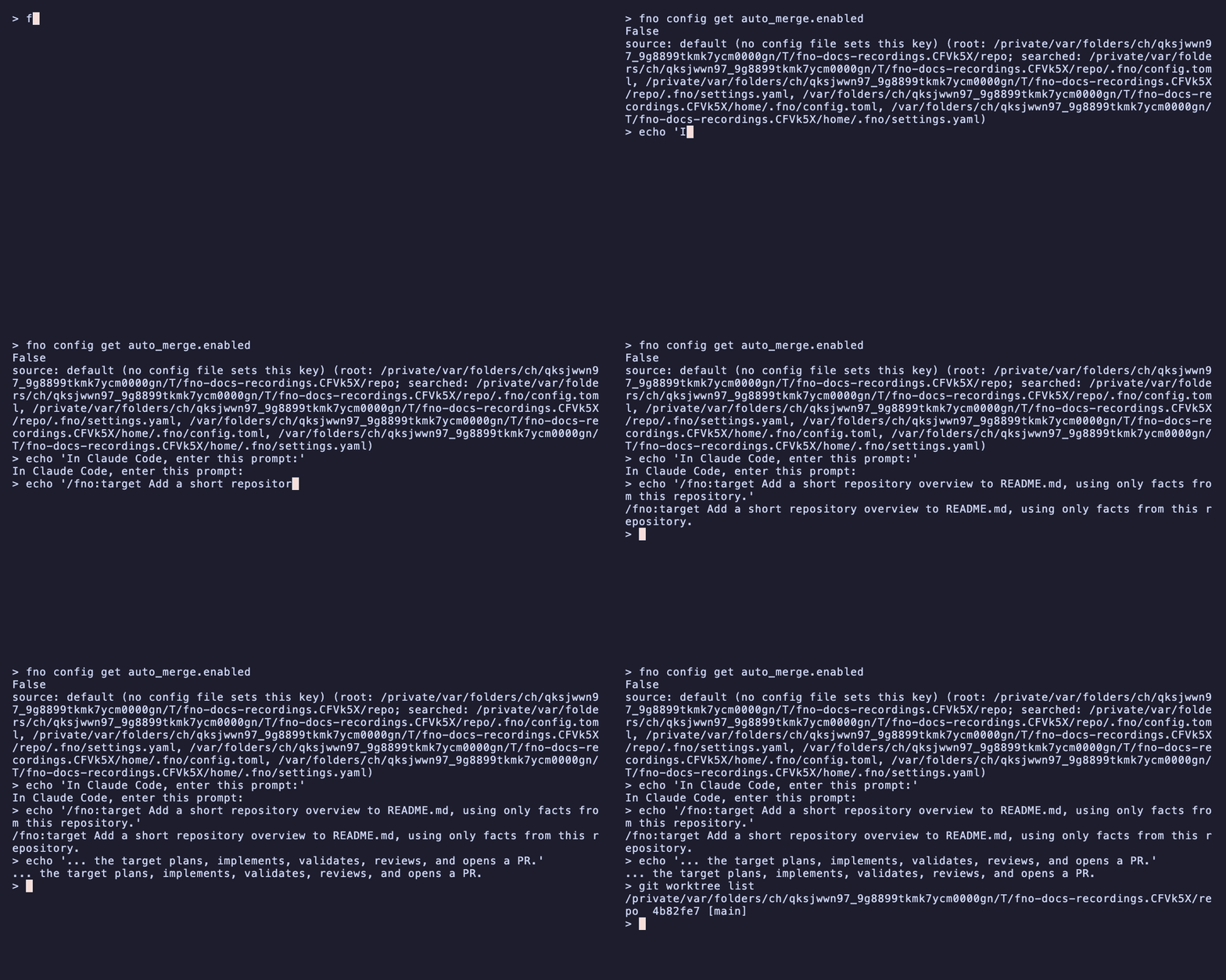
Plan before implementation
What the agent runs
Use thefno:think workflow to investigate a question. Use fno:blueprint to turn the direction into an implementation plan.
Review the plan’s acceptance criteria and files. Then give that plan to fno:target in the same harness.
For example, after blueprint reports a saved plan, use its path:
<PLAN_PATH> with the path blueprint printed. If your harness spells the prompt differently, use its form from the harness reference.
You can also name an existing backlog node. If a plan is bound, target reads it. You do not need to paste it again.
For a worker implementation assignment, replace the read-only task in the fleet guide with a target prompt naming that node.
This terminal template starts a worker on your default harness for an existing task:
<TASK_ID> with the existing task ID before running it. F[no] changes the prompt to the form that the worker’s harness reads.
This starts implementation and can incur model costs. Use it only for work you authorize, after checking its ownership and merge policy.
Keep one live owner for the node. Follow its worktree and PR rather than starting another worker on the same task.
Follow the result
What the agent runs
Read the agent’s worktree and PR links. At the PR, check the current head, CI, and review findings. If a check fails, keep the same task owner working on the failure. Creating another task for the same change can duplicate work.Next steps
- Review and ship: inspect the finish line.
- CLI reference: look up terminal inspection commands.